Text on TV
Use large, readable text on a TV for a welcome, direction or quick reminder.
Why text that fits can still be hard to read
A short line can use more of the display’s available width and take a larger font size. A message that technically fits may still be unreadable at the viewing distance.
Split information by importance
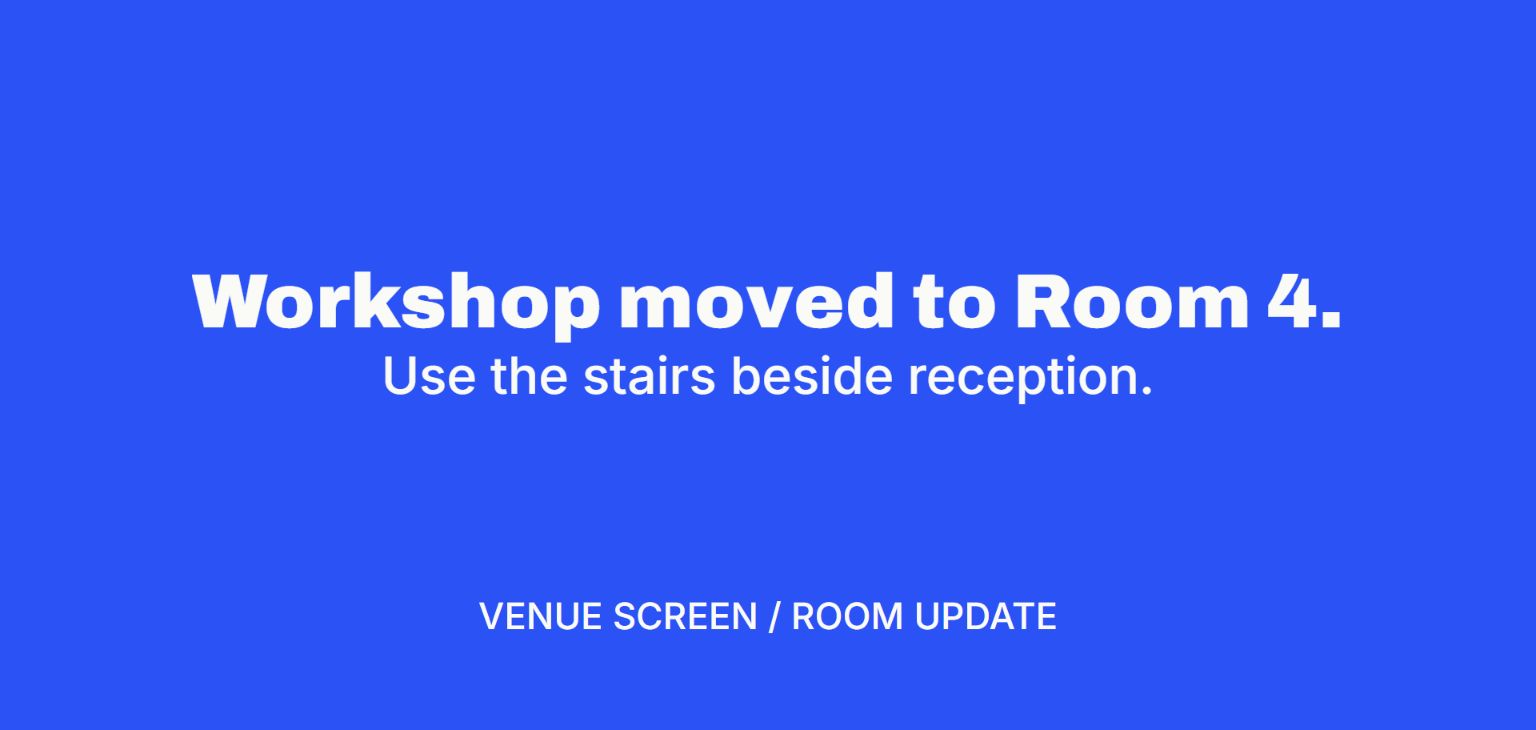
Put the instruction in the headline and the route or time in a second line. Leave a margin around the edges. If the text runs into the frame, check whether the display is zooming or cropping its input.
Try the screen in its real lighting
Check from where people wait, not just at arm’s length. Use a light-on-dark or dark-on-light pair, then test reflections before adding smaller supporting text.
Setup steps
Write the action as one line
“Check in upstairs” tells people what to do immediately. Put a time or room number on the same line only when it helps. Avoid asking people to read a paragraph while walking.
Check contrast from the farthest seat
Use light text on a dark background or dark text on a light background. Try it with the lights on. Shorter lines can be shown in larger type, so cut any words you cannot read from across the room.
Choose how often the wording changes
Use a fixed slide or USB image when the wording stays the same. In V U This, choose Text when you want to replace a short message from the connected phone or laptop.
Verdict
V U This wins for large text you can replace without returning to the TV
Type the line on a device with a real keyboard, preview the text and send it to the paired screen. That is less fiddly than entering a new message with a TV remote or replacing an image file.
Key factors
- Input Write and preview the line on a phone or laptop.
- Readability Set a high-contrast color pair and check it from the farthest seat.
When to pick something else
Use a fixed image or slide if the wording never changes. Check readability from the farthest seat whichever method you choose.
What else it does
Switch from a welcome line to a countdown when the room is ready to start.
vuthis.com · Set the size and colors for a one-line TV message