Message on projector
Put a short message on a projector from a room computer, laptop or paired phone.
Follow the image and preserve contrast
The projector can show a computer’s HDMI output or whatever the attached computer’s browser renders. Projected readability depends on lighting as much as font size.
Separate source failure from readability
If the projector shows no desktop, check the input and the computer’s output mode. If the slide is visible but washed out, reduce stray light or simplify the design before adjusting network settings.
Test the headline before the room fills
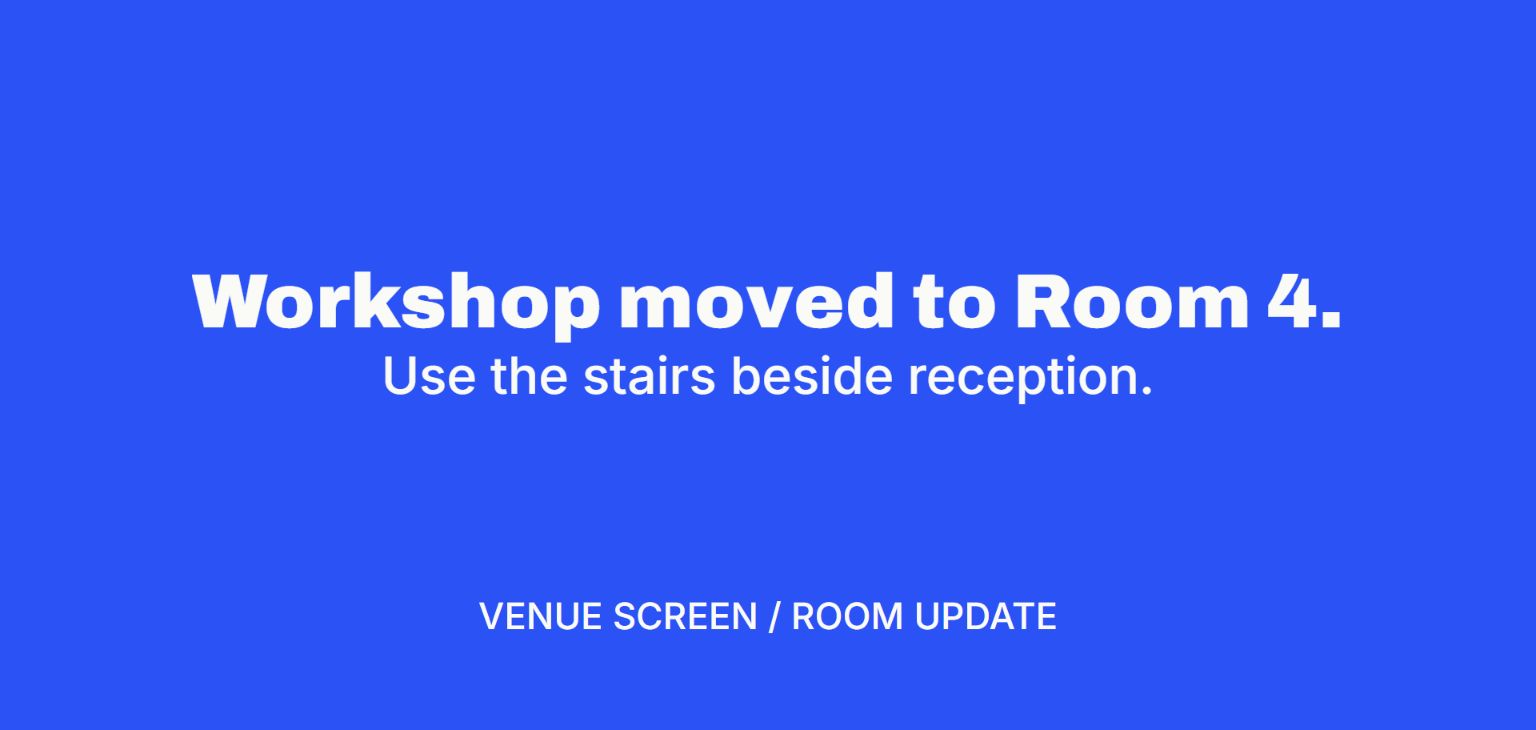
Show one real line at the back-row viewing distance. Leave room for the safe edges and check any auto-fit or zoom setting. If the message will change remotely, verify one update while the room computer remains on the display page.
Technical references · Microsoft · Choose Duplicate, Extend or an external display
Setup steps
Use the existing projector input
If a room computer already drives the projector, open the message or its display page there. If you are supplying the picture, connect your laptop and select the matching input.
Set the message for a bright room
Projectors lose contrast in ambient light. Use strong foreground and background contrast, leave generous space around the text and check the message from the back.
Test the change before the audience arrives
Pair a phone or laptop with V U This and send one draft message. If you plan to update it from elsewhere, leave the room computer online and check that the display still responds.
Verdict
V U This wins for room directions that can change during an event
The attached computer can keep its browser on the projector while an organizer replaces the text from another device. A last-minute room change does not require taking over the presentation laptop.
Key factors
- Connection Leave the projector on its existing input and use the attached computer’s browser.
- Update Change directions from a separate phone without taking over the room computer.
When to pick something else
A local slide is better if the projector’s computer cannot get online, or if the notice needs to be part of a presentation that is already running.
What else it does
The projector can switch from directions to a prepared PDF without changing its input.