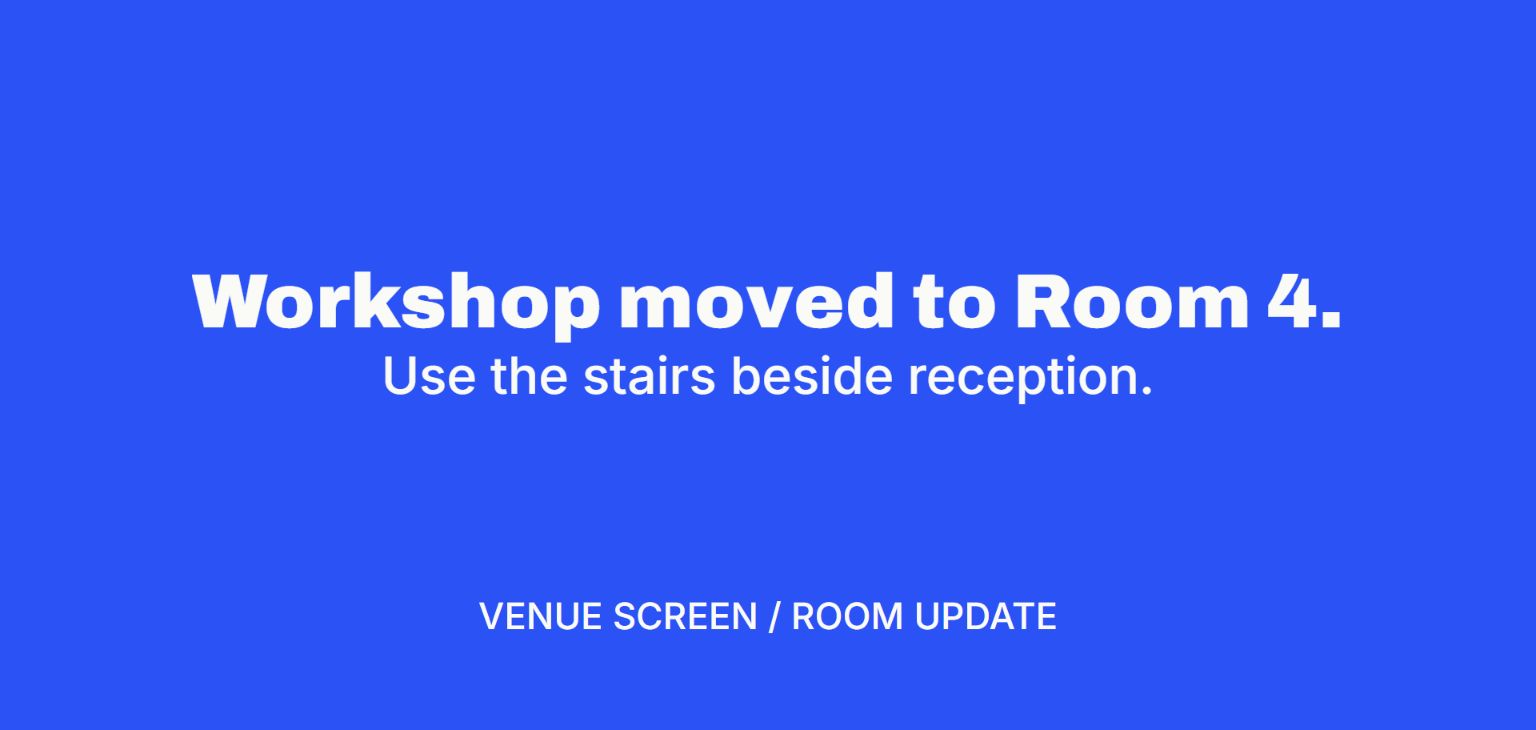
Send a message to TV
Send a text message to a TV from your phone or laptop and update it remotely.
Prepare the TV once
Open V U This in the TV browser or on a connected computer. Keep the display tab visible and pair the device you will use for updates.
Send and check
Choose Text for one big line or Announcement for an update with supporting details. Choose Show now and ask someone at the display to confirm what they can read.
Plan the next update
Leave the display online. Reopen an active display from your controller or from Account when available. If the session ended, pair again with the current code. For recurring content on many screens, evaluate a managed signage system too.